Monasteries: The More Sophisticated Type of Webpage
This essay demonstrates intermediate ScrollStory features—building on what you learned in Seedling by adding scrollyboxes, carousels, and more sophisticated visual storytelling. As you scroll, we’ll point out what makes this more advanced than a Seedling essay.
What makes this a “Sapling” essay? It includes everything from Seedling (headings, images, footnotes, pull quotes) plus immersive components: text overlaying background images, image carousels for comparisons, and more dynamic pacing. This is where ScrollStories start feeling cinematic.
The text below includes both explanations and filler content to show how these components work in practice.
Building on Seedling Basics
.jpg)](/silk-road//essays/monasteries-example-theme/images/ota-gate-khiva2.jpg)
Right-aligned images still work exactly like Seedling. You already know this pattern. Source
.jpg)
Everything from Seedling still works here: images with captions, footnotes, section headings.1 The Sapling template doesn’t replace what you learned—it adds to it.
This layered approach is intentional. Master the basics, then add complexity incrementally. You’re not learning a whole new system; you’re expanding your toolkit with a few powerful new components.2
Lorem ipsum dolor sit amet, consectetur adipiscing elit. Vivamus pretium, nibh vel posuere pretium, neque ipsum maximus libero, ac maximus quam ante sit amet dolor. Integer pharetra semper sem sed sagittis. Curabitur mauris tortor, elementum non felis id, hendrerit efficitur metus.
Your First Scrollybox
Here’s what makes Sapling different: keep scrolling and watch what happens next. You’re about to see text appear over a background image, creating an immersive reading experience.
A sculpture in Khiva offers a romaticized view of the Silk Road trade network.
What Just Happened?
That was a scrollybox—text that appears in a box over a full-screen background image. As you scrolled, the background image stayed fixed while the text box scrolled into view, stayed visible, then scrolled away.
Why use scrollyboxes? They create moments of focus and drama. The full-screen image immerses readers in a visual context, while the overlay text provides commentary, quotations, or key points. It’s like a visual pause in your narrative.
Technical note: The above-box-space and below-box-space parameters control how much blank scroll space appears before and after the text box. Adjust these to control pacing—more space = slower, more contemplative; less space = faster pacing.
Pull Quotes Still Work
Notice how this pull quote appears alongside regular text, while the scrollybox took over the entire screen. Different tools for different purposes:
- Pull quotes emphasize key text within ongoing paragraphs
- Scrollyboxes create immersive moments that break away from normal flow
Lorem ipsum dolor sit amet, consectetur adipiscing elit. Sed consequat, lacus id blandit ornare, mi nisi rutrum ante, vitae dignissim mauris nisl mattis nisl. Praesent sed vehicula velit, vel hendrerit neque.
Image Carousels for Comparisons
Below you’ll see an image carousel—multiple images you can click through. This is perfect when you want readers to compare several images without cluttering the page.
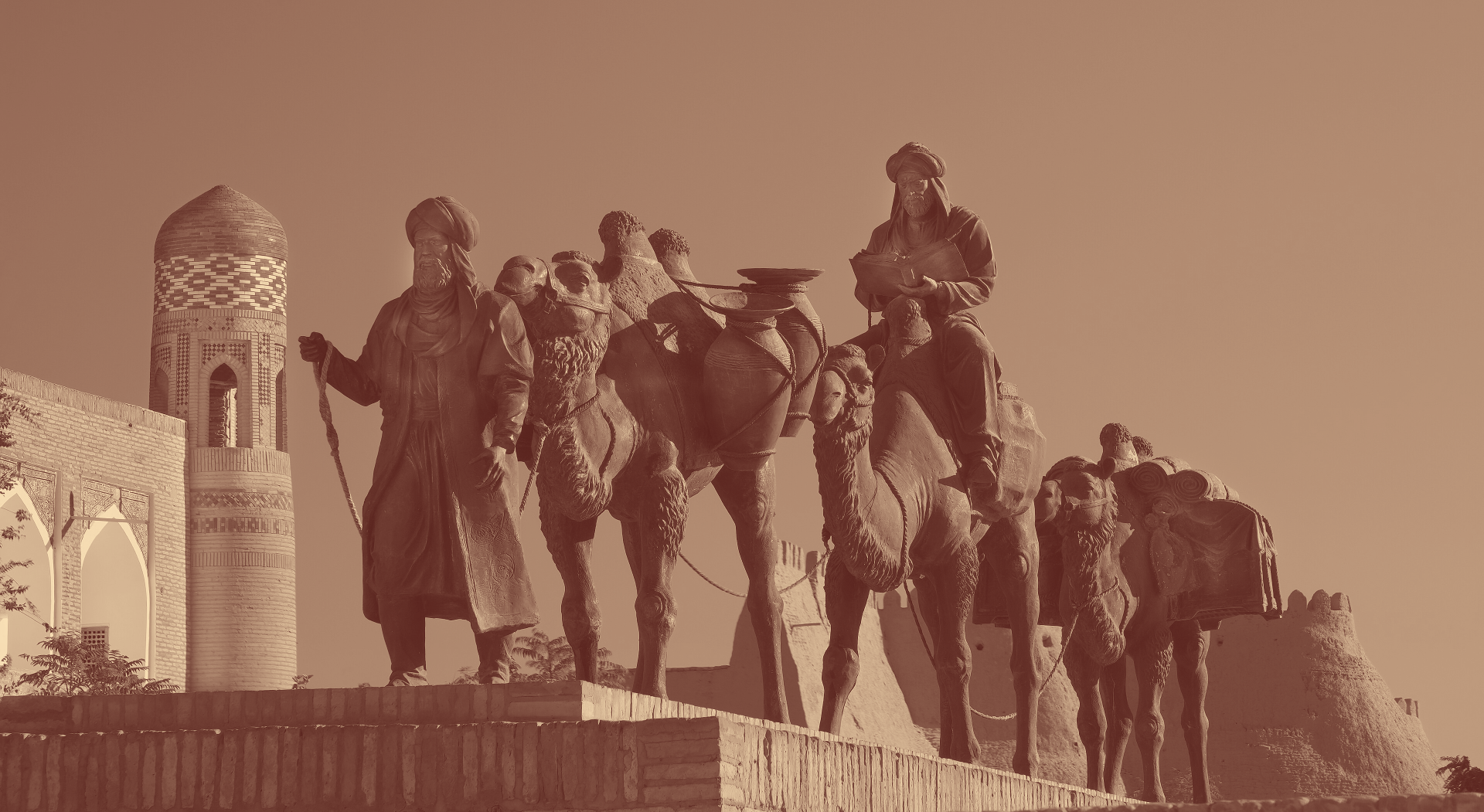
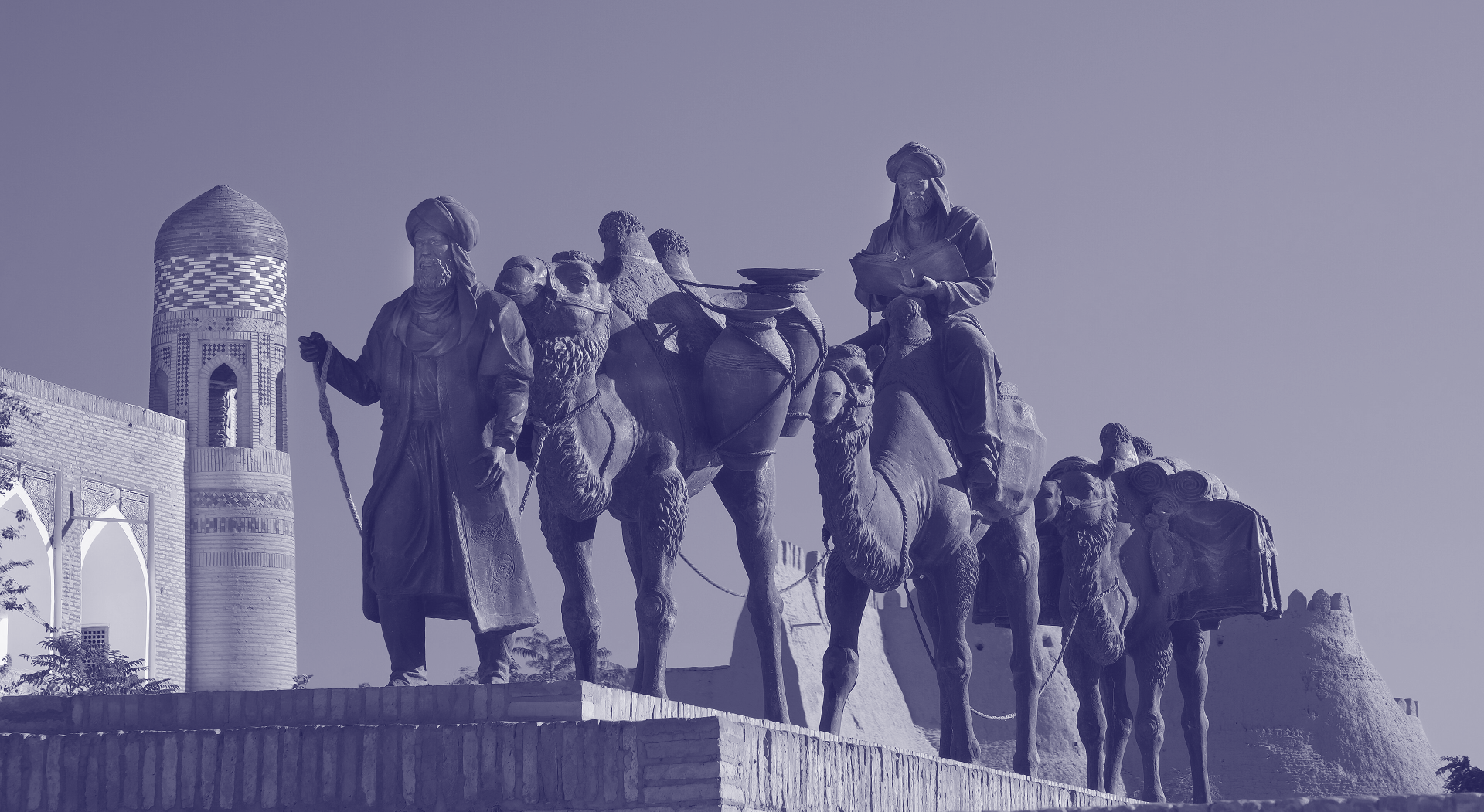
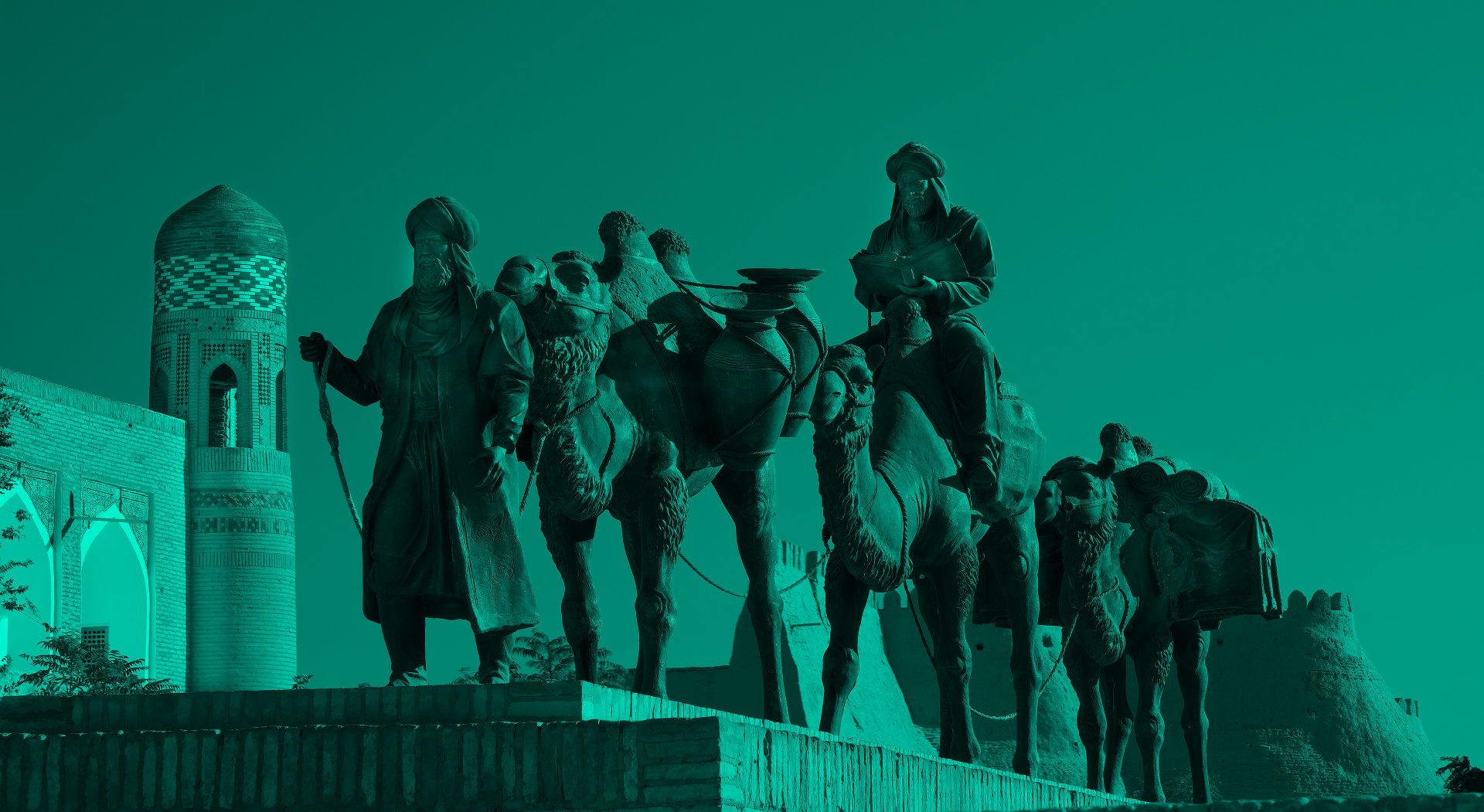
Why use carousels? When you have 3-5 related images (historical documents, different views of a building, a sequence of photos), a carousel lets readers compare them side-by-side without scrolling past each one. Click the arrows or dots to move between images.
Accessibility note: Always include captions and source links so screen readers and citations work properly.
Larger Images
This image is 60% width instead of 48%, giving it more visual weight. Adjust widths based on what the image needs. Source
Just like in Seedling, you control image sizes with the width parameter. A floorplan or map might need 60-70% width to be legible, while a portrait might look better at 40%.
Duis ut dui dolor. Integer eu lectus at tellus accumsan euismod eget a ligula. Morbi venenatis, elit eu varius fermentum, ligula est dictum massa, sit amet ullamcorper augue nisl ut nunc.
Block Quotes for Primary Sources
Architectural features of the Ota Darvaza reflect much of the culture of the Silk Road. Random Imaginary Person, a visitor to Khiva, spoke poetically about their experience of the architecture of the gate.
As I entered the Ota Darvaza, the splendor of the gateway overwhelmed me. Source
Block quotes span the full text width and are perfect for extended quotations from archival sources, documents, or scholarly works. They’re visually distinct from the scrollybox overlays and pull quotes.
What You’ve Learned in Sapling
If you can create a Sapling essay, you can:
- Use scrollyboxes to overlay text on full-screen background images
- Control pacing with scroll space parameters
- Add image carousels for comparing multiple related images
- Mix components - scrollyboxes, pull quotes, carousels, and standard images in one essay
- Create immersive narratives that feel more like multimedia stories than traditional web pages
This is enough for most sophisticated digital humanities projects. The Forest essay adds background switching and side-scrolling for even more cinematic effects, but Sapling gives you all the tools for compelling visual scholarship.
What makes Sapling different from Seedling?
- Background scrollyboxes for immersive text overlays
- Image carousels for comparing multiple images
- More sophisticated visual storytelling
- All Seedling components still work
Ready for even more? Check out the Forest template for advanced features like background switching and side-scrolling.
Bibliography
- Lastname, Firstname. “Title of the Article.” Title of the Journal 9, no. 9 (1999): 999–999.
- Lastname, Firstname. Title of the Book. Publisher Press, 1999.